Divi Flexible Blurb Module
Stack any Divi 5 modules into a tilted card deck that fans open on hover or click with the GSAP-powered Flexible Elements module.
[ Card Decks for Divi ]
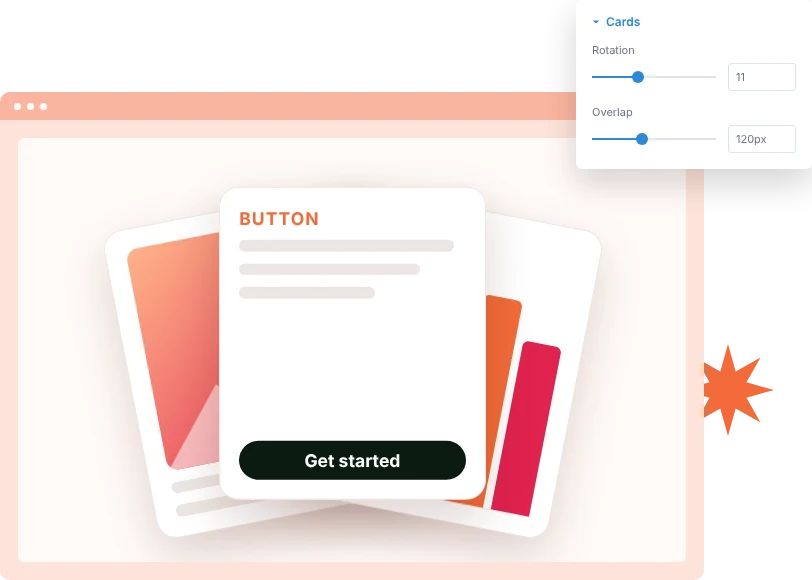
Create Overlapping Card Stacks
Arrange elements into a tilted stack where each card overlaps the one before it. Set the rotation and overlap to make the deck as neat or as loose as you like.
[ Hover & Click Interaction ]
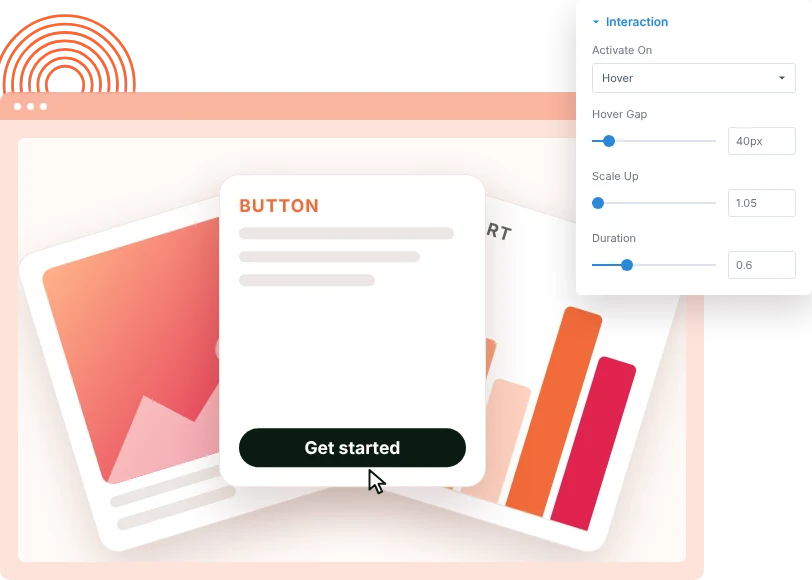
Fan the Cards Open on Hover or Click
When visitors hover or click, the deck spreads apart. Control the gap that opens between cards, how much each card grows and how long the fan-out takes.
[ Any Module Inside ]
Fill Each Card With Divi Modules
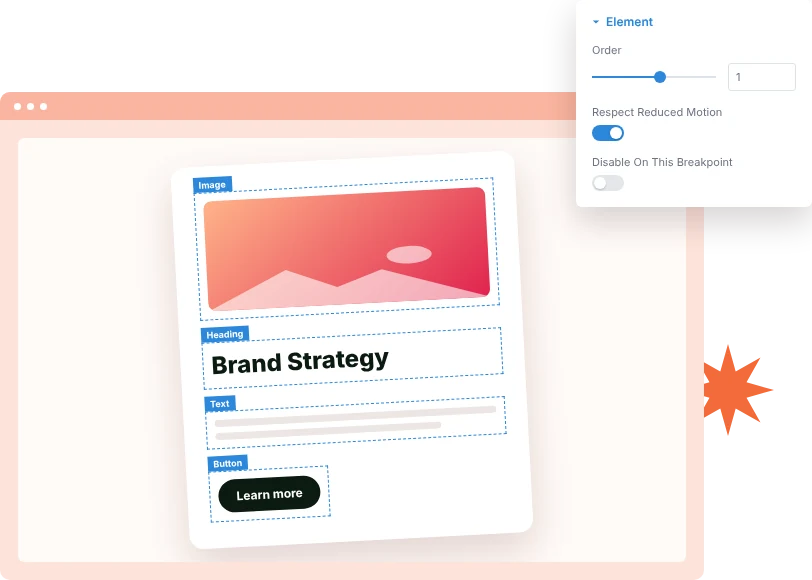
Every element is a container that works like a column. Drop in images, headings, text, buttons, pricing tables or forms, and style the card itself with backgrounds, borders and shadows.
[faq]
Frequently Asked Question
Still have questions? Get in touch with our team via “support@diviexpand.com”
What is the Flexible Blurb module in Divi?
It shows a tilted, overlapping deck of cards that fans apart on hover or click, where each card is a container for any Divi 5 modules.
How is it different from Flexible Blurbs?
Flexible Blurbs uses fixed card content such as a quote, stats and reviewer info. Flexible Elements lets you build each card from any Divi modules.
How many elements should I use?
Three to five elements usually look best. Give each one a background and padding so it reads as a card.
Can the cards open on click instead of hover?
Yes. Set Activate On to Click.
Can I change the order of the cards?
Yes. Each element has an Order setting that moves it within the stack.
Can I turn the effect off on mobile?
Yes. Turn on Disable On This Breakpoint to keep the cards stacked and static on that device.
What about visitors who prefer reduced motion?
With Respect Reduced Motion on, the fan-out happens instantly instead of animating.
Do I need custom code to use Flexible Elements?
No. Add and configure the Flexible Elements module directly in the Divi Builder.
[ More Divi Motion Effects ]
Our Others Modules
Build richer visual experiences by combining with other DiviAnimator modules.
Marquee
Create captivating text effects that grab attention and improve engagement.
Flexible Elements
Create captivating text effects that grab attention and improve engagement.
Floating Elements
Create captivating text effects that grab attention and improve engagement.
Everything You Need to Animate Divi
One plugin. Powerful extensions. Endless creative possibilities. Start building immersive Divi websites with smooth, high-performance animations powered by GSAP.