Divi Sticky Elements
Keep important Divi elements visible as visitors scroll through your page. Set custom start and end triggers to control exactly where the sticky effect begins and stops.

[ Scroll-Based Positioning ]
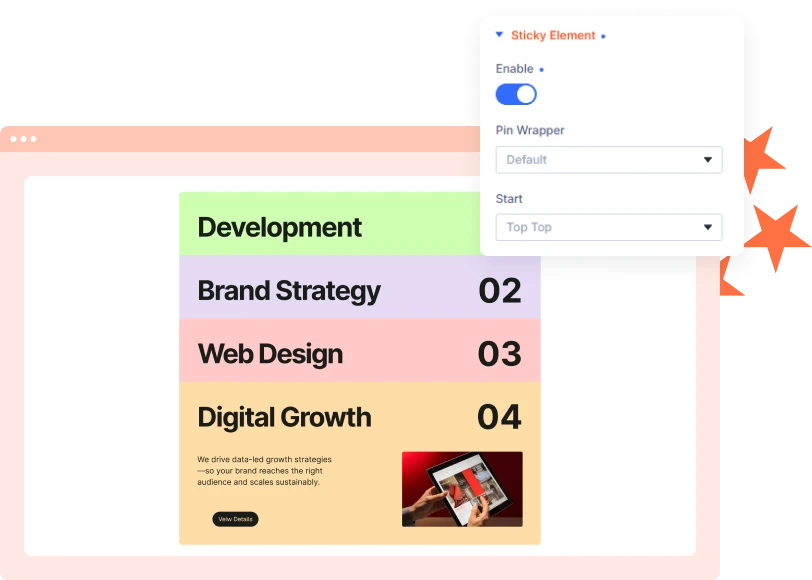
Sticky Scroll for Divi
Keep modules, rows, or sections in view while visitors scroll. Choose the position where your element should stay pinned for better content visibility.
[ Control Where It Stops ]
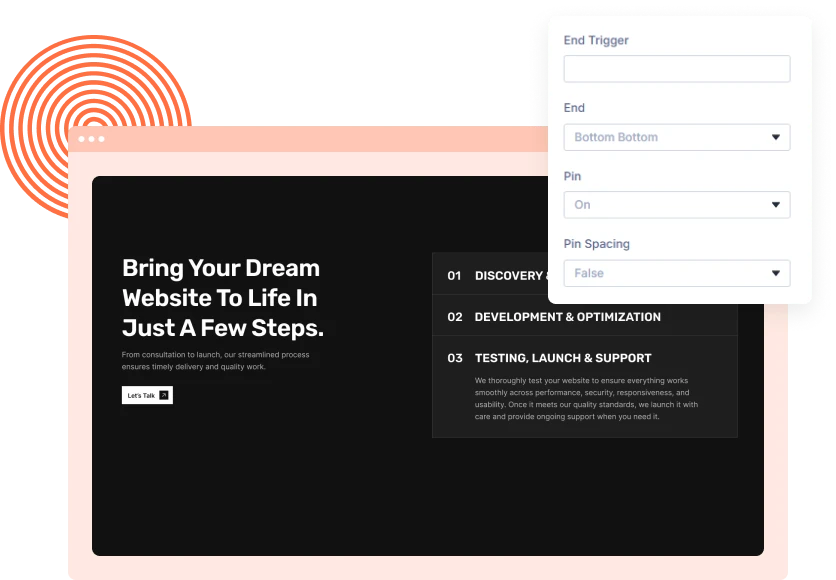
Custom Sticky End Position
Define exactly where the sticky element should stop. Choose from predefined positions or use a custom end trigger for more precise control.
[ Built for Divi Layouts ]
Create Better Sticky Sections
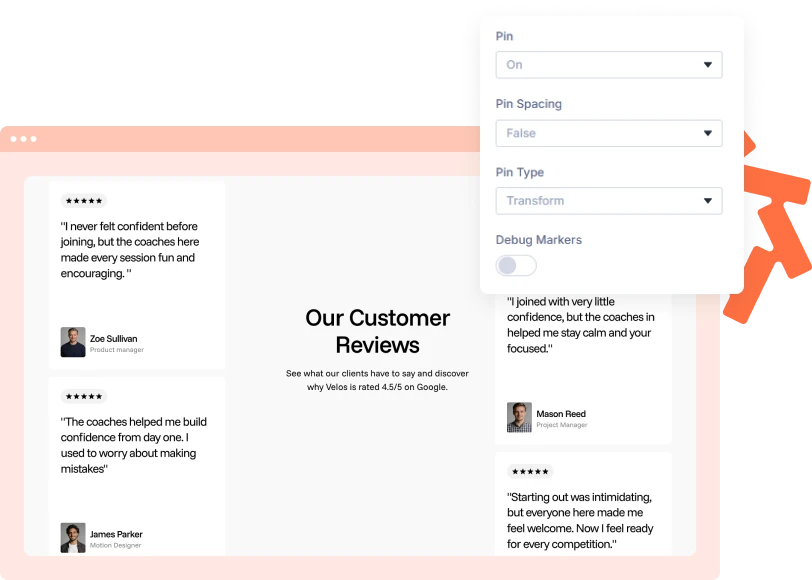
Use sticky elements for navigation, sidebars, calls to action, filters, content panels, and other sections that benefit from staying visible during scrolling.
[faq]
Frequently Asked Question
Still have questions? Get in touch with our team via “support@diviexpand.com”
What are Sticky Elements in Divi?
Sticky Elements keeps selected Divi elements visible while visitors scroll.
Which elements can I make sticky?
You can apply the effect to Divi modules, rows, or sections.
Can I control where the element starts?
Yes. Choose from different top, center, and bottom trigger positions.
Can I control where the sticky effect ends?
Yes. Select an end position or define a custom end trigger.
What is the End Trigger?
The End Trigger uses a CSS class to define the container where the sticky element should stop.
Do I need custom code?
No. Configure the sticky behavior through DiviAnimator settings, with a CSS class only when using a custom end trigger.
Where can I use Sticky Elements?
Use it for navigation, sidebars, filters, calls to action, and important content sections.
[ Animate Everything Else ]
Related Extensions
Every extension below runs on the same GSAP engine and the same triggers you just set up, so they stack on one section without fighting.
Text Animation
Character, word, reveal, and 3D text animations.
Image Animation
Reveal, scale, and stretch animations for images.
Cursor Move Effect
Mouse-responsive motion for interactive experiences.
Everything You Need to Animate Divi
One plugin. Powerful extensions. Endless creative possibilities. Start building immersive Divi websites with smooth, high-performance animations powered by GSAP.