Divi Gravity Falling Elements
Add realistic gravity effects to your Divi website with falling elements powered by physics-based animation.
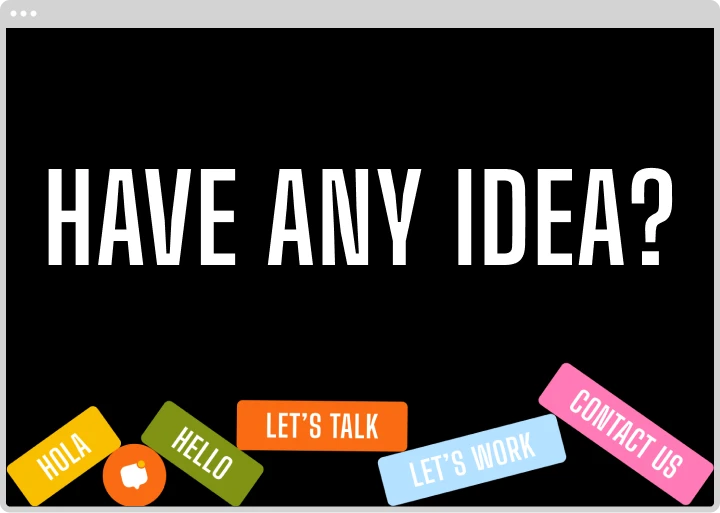
[ Control How Elements Fall ]
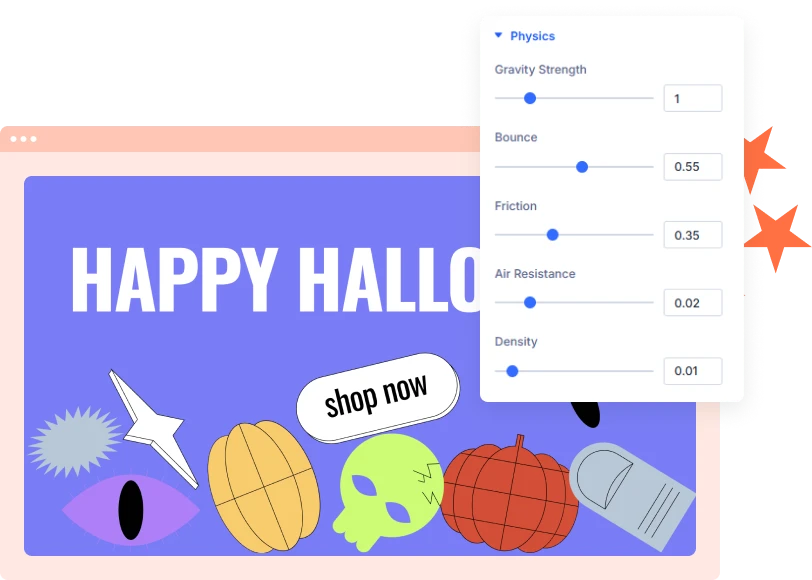
Customize Gravity and Physics
Adjust the physics settings to control how elements drop, bounce, slide, and settle. Fine-tune the movement to match the visual effect you want.
[ Choose Your Animation Trigger ]
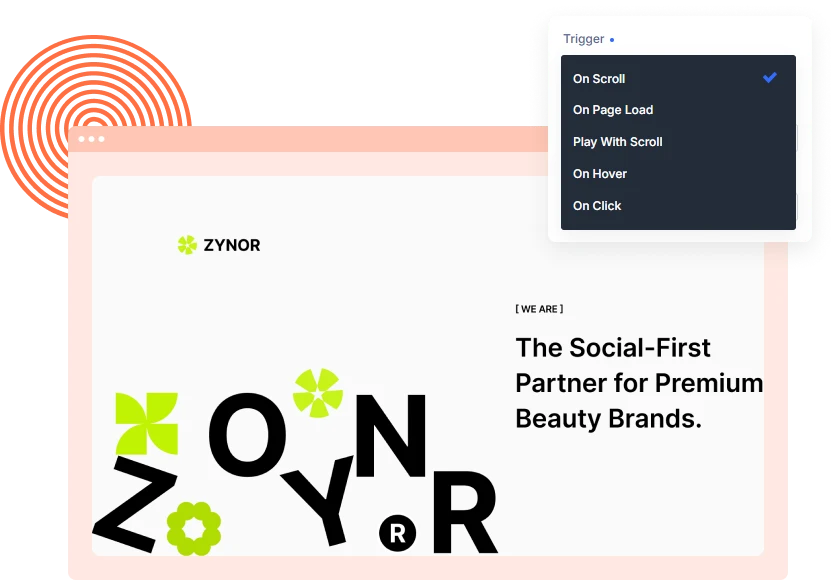
Start Falling on Scroll, Click, or Hover
Choose when the falling animation begins. Trigger it when the module enters the viewport, when the page loads, or when visitors hover over or click the module.
[ Design Your Own Play Area ]
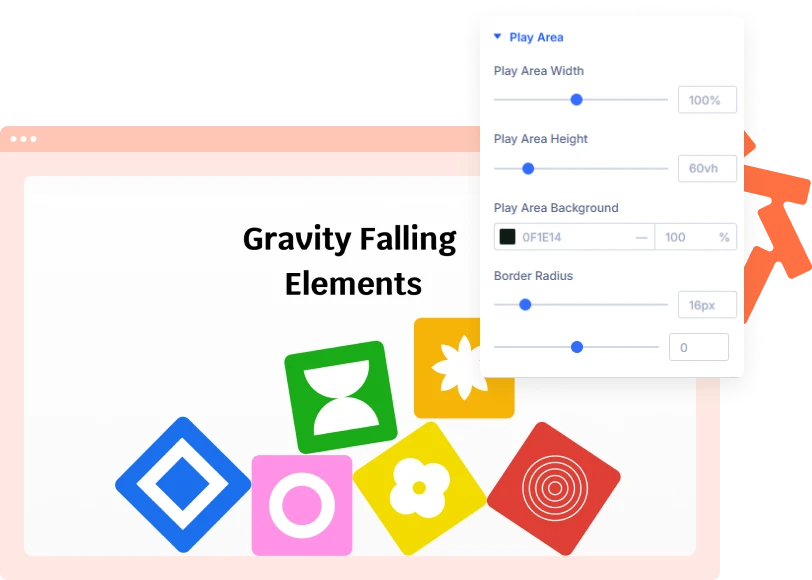
Customize the Falling Area
Control the size and appearance of the play area where elements fall and settle. Adjust its width, height, background, and corner radius to fit your Divi layout.
[faq]
Frequently Asked Question
Still have questions? Get in touch with our team via “support@diviexpand.com”
What is Gravity Falling Elements in Divi?
It is a Divi module that makes buttons, text, and other content fall and stack inside a defined play area using physics-based animation.
What triggers the falling animation?
You can start the animation when the module enters the viewport, on page load, on hover, or on click.
Can I control how fast elements fall?
Yes. Adjust Gravity Strength, Air Resistance, and Density to change how elements move.
Can I customize the bounce effect?
Yes. Use the Bounce and Friction settings to control how elements react when they collide and settle.
Can elements rotate while falling?
Yes. Use the Chip Rotation setting to control rotation during the falling animation.
Can I add my own text and buttons?
Yes. Add and customize individual elements, including their content and links, directly inside the module.
Can I use ready-made templates?
Yes. Apply a Structure Template to add a predefined set of falling elements and customize them afterward.
Do I need coding skills to use this module?
No. Configure the elements, triggers, play area, and physics settings directly through the Divi Builder.
[ Extensions ]
Related Extensions
Divi Layout Pack with built-in animations and modern effects.
Text Animation
Create captivating text effects that grab attention and improve engagement.

Image Reveal on Hover
Create captivating text effects that grab attention and improve engagement.

Advanced Animation
Create captivating text effects that grab attention and improve engagement.
Everything You Need to Animate Divi
One plugin. Powerful extensions. Endless creative possibilities. Start building immersive Divi websites with smooth, high-performance animations powered by GSAP.