Divi Floating Elements Module
Place images, icons and text on a stage and let them float with the GSAP-powered Floating Elements module for Divi.
[ Layered Visuals ]
Create Floating Image Compositions
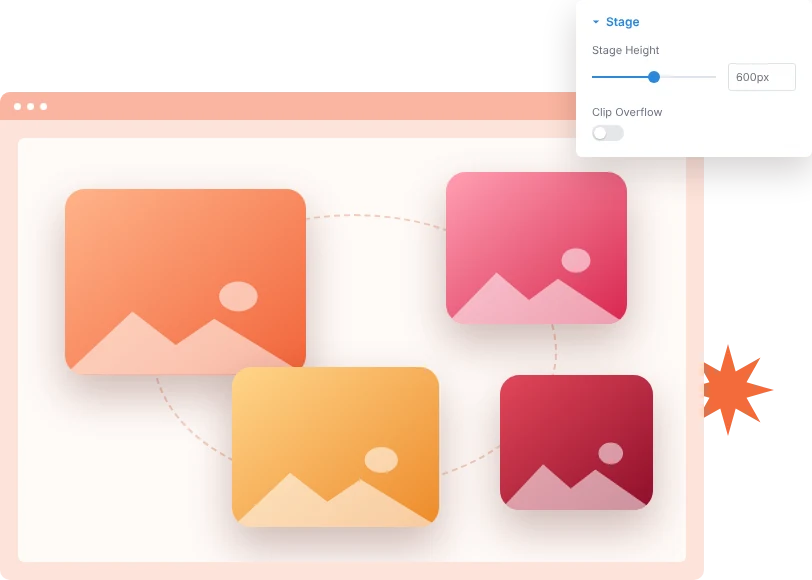
Build a stage of product shots, badges, shapes or text that drift around your hero or feature visual. Set the stage height and decide whether items can spill past its edges.
[ Pixel-Precise Placement ]
Position Every Item Exactly
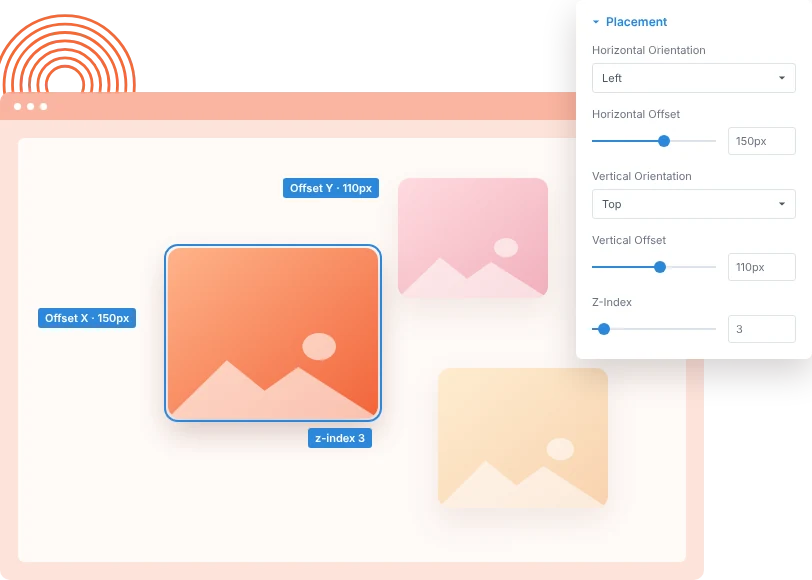
Measure each item from the left or right edge and from the top or bottom, then set size and stacking order. Offsets can change on tablet and phone.
[ Idle Motion & Parallax ]
Add Looping Animations and Parallax
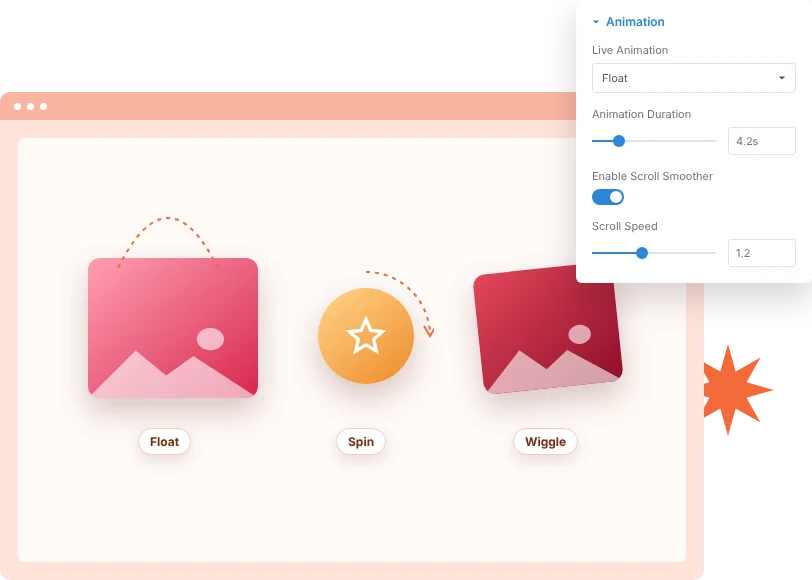
Give each item its own idle loop: float, float-x, spin, scale or wiggle. Vary the duration so items never move in sync, and add parallax as the page scrolls.
[faq]
Frequently Asked Question
Still have questions? Get in touch with our team via “support@diviexpand.com”
What is the Floating Elements module in Divi?
It is a stage that holds floating images, icons or text, each placed by offsets and animated with a looping GSAP motion.
How many items can I add?
There is no fixed limit. Add as many floating items as your layout needs.
Which idle animations are included?
Float, Float X, Spin, Scale and Wiggle. Set None to keep an item still.
Can items be placed differently on mobile?
Yes. Size and offsets can be set separately for desktop, tablet and phone.
How does the parallax effect work?
Turn on Enable Scroll Smoother for an item, then set Scroll Speed and Scroll Lag. This requires the Scroll Smoother extension to be enabled.
Can I hide items that go outside the stage?
Yes. Turn on Clip Overflow to hide any part of an item that extends past the stage edges.
Can I add alt text to floating images?
Yes. Each image item has its own alt text field for screen readers and search engines.
Do I need custom code to use Floating Elements?
No. Add and configure the Floating Elements module directly in the Divi Builder.
[ More Divi Motion Effects ]
Our Others Modules
Build richer visual experiences by combining with other DiviAnimator modules.
Gravity Falling Elements
Create captivating text effects that grab attention and improve engagement.
Off Canvas Menu
Create captivating text effects that grab attention and improve engagement.
Advanced Heading
Create captivating text effects that grab attention and improve engagement.
Everything You Need to Animate Divi
One plugin. Powerful extensions. Endless creative possibilities. Start building immersive Divi websites with smooth, high-performance animations powered by GSAP.