
Every Divi project reaches the same moment. The layout's done, the content's in, the spacing is right — then you open the preview and it just sits there. Nothing moves, nothing points the eye anywhere. It reads like a brochure someone scanned.
So you go looking for motion, and this is where Divi has always left you stuck: a few native fades, and past that, custom CSS, a ScrollTrigger snippet from a forum, or a developer you'd rather not book for one effect. Most people skip it and call the static page "clean."
DiviAnimator changes that. It's a GSAP-powered animation plugin for Divi that turns motion into visual controls — no scripts, no snippets, no developer for a single effect. It's live now. Here's the honest tour, including where it's the wrong call.
One thing up front: this isn't an argument for animating more. Good motion is mostly restraint.
Quick overview
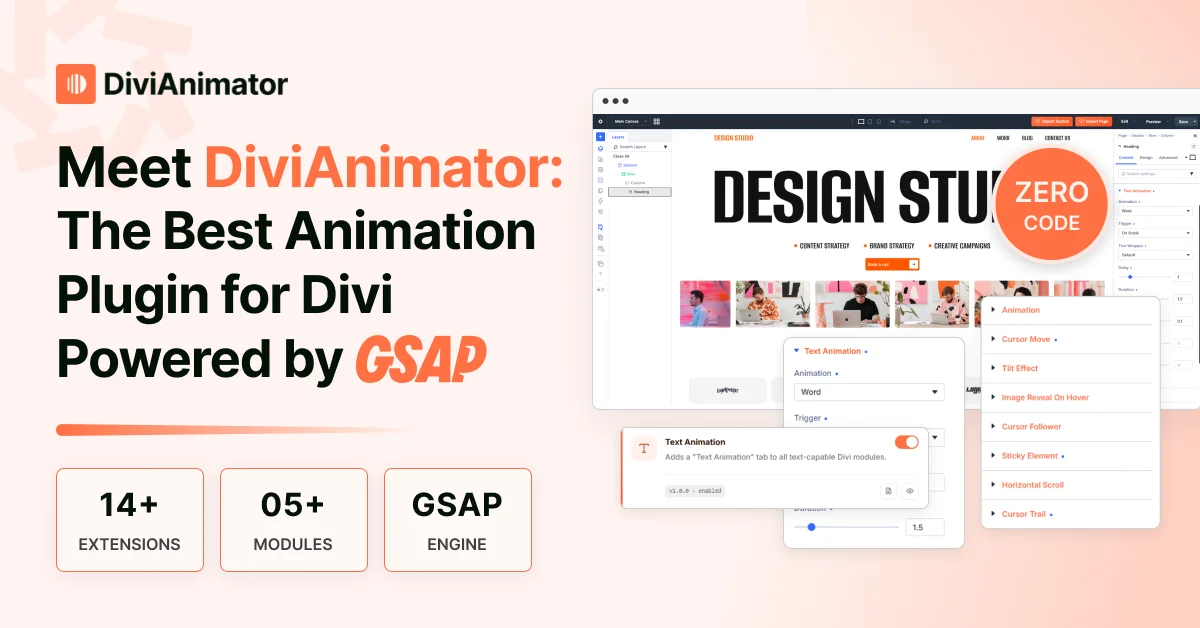
DiviAnimator is a GSAP-powered animation plugin that adds a motion layer to Divi 5. Every effect is applied and tuned visually, with no code.
With DiviAnimator, you can:
- Animate headings by character, word, or line
- Reveal, scale, or mask images as they scroll into view
- Apply custom GSAP motion to any Divi module
- Add cursor, tilt, and hover-reveal interactions
- Turn sections into horizontal-scroll sequences
- Pin sticky elements for scroll storytelling
- Preview every effect live inside the Divi editor
- Adjust or simplify animations per breakpoint
Note: DiviAnimator currently includes 14+ focused animation extensions made specifically for Divi 5, with more in active development.
Why we built DiviAnimator
We built DiviAnimator because we kept hitting the same wall: we knew how a section should move, but the only route from idea to page ran through JavaScript. Designers couldn't ship the motion alone, and developers rebuilt the same timelines on every project, so animation kept sliding to the bottom of the list. DiviAnimator turns that logic into settings you adjust by eye, moving motion from something you write to something you design, right in the builder.
Why Divi websites need better animation
Motion is one of the few tools that directs attention without touching the layout. People skim and decide what to skip in seconds; when one element moves and the rest holds still, the eye follows it — so you point visitors at the offer instead of hoping they find it. It also reads as polish, which reads as trust. The catch is restraint: motion everywhere becomes noise and drags on mobile, so the win is placement, not volume.
Why we chose GSAP over traditional CSS animation
GSAP is the engine behind much of the polished motion on the modern web, and it handles what CSS can't. Powered by GSAP, DiviAnimator delivers smoother motion, precise timeline control, and steadier performance than hand-written CSS, and the gap widens once more than one thing is moving.
The reason is sequencing. CSS is fine for a lone hover state, but ordering several effects means chaining delays and hoping they stay in sync, which they don't on slower hardware. Scroll-linked motion is worse to wire by hand. GSAP was made for exactly this, and it defaults to GPU-friendly properties (transform and opacity), which is why motion stays smooth through a scroll instead of stuttering.
Meet DiviAnimator
DiviAnimator is a premium Divi animation plugin that adds professional, GSAP-powered motion to any layout without code. It doesn't replace Divi. It adds a motion layer on top of the builder you already use.
The thinking is deliberately narrow. Plenty of add-ons sprawl into templates and toggles you'll never touch; this one does motion and respects it. Here's how it sits against the alternatives:
| Native Divi | Custom CSS / JS | DiviAnimator | |
| Setup | Built in, per module | Hand-coded per effect | Visual controls in Divi |
| Effect range | Basic entrance fades | Anything you can code | Text, image, hover, cursor, tilt, scroll, sticky |
| Scroll-linked motion | Limited | Manual ScrollTrigger | Included, no code |
| Sequencing / timelines | No | Yes, by hand | Yes, visually |
| Live preview | Partial | Save, refresh, repeat | In-editor |
| Skill required | None | JavaScript / GSAP | None |
You keep designing in Divi. When a section needs to move, you open DiviAnimator, apply the effect, tune it live, and move on.
Everything you need to animate a modern Divi website
A focused set of extensions, each mapped to a pattern you'll recognize from real landing pages, portfolios, and product launches.
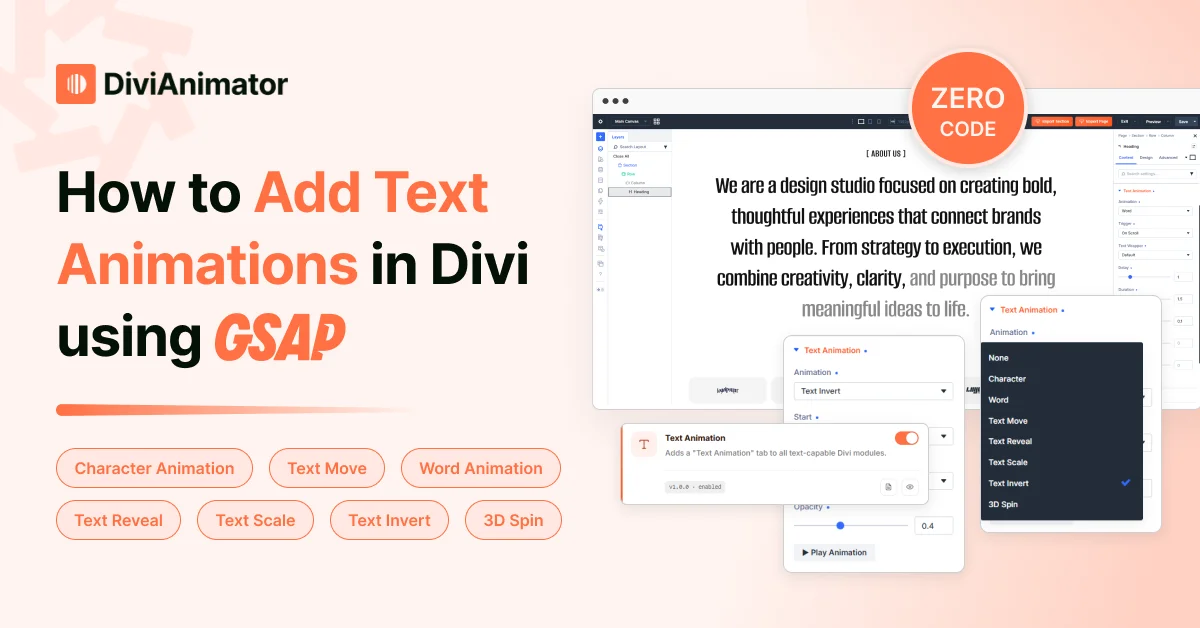
Text Animation — Reveal headings by character, word, or line so the message that matters arrives with intent. Best on hero lines and section intros; animate the one sentence carrying the weight, not the paragraph under it.
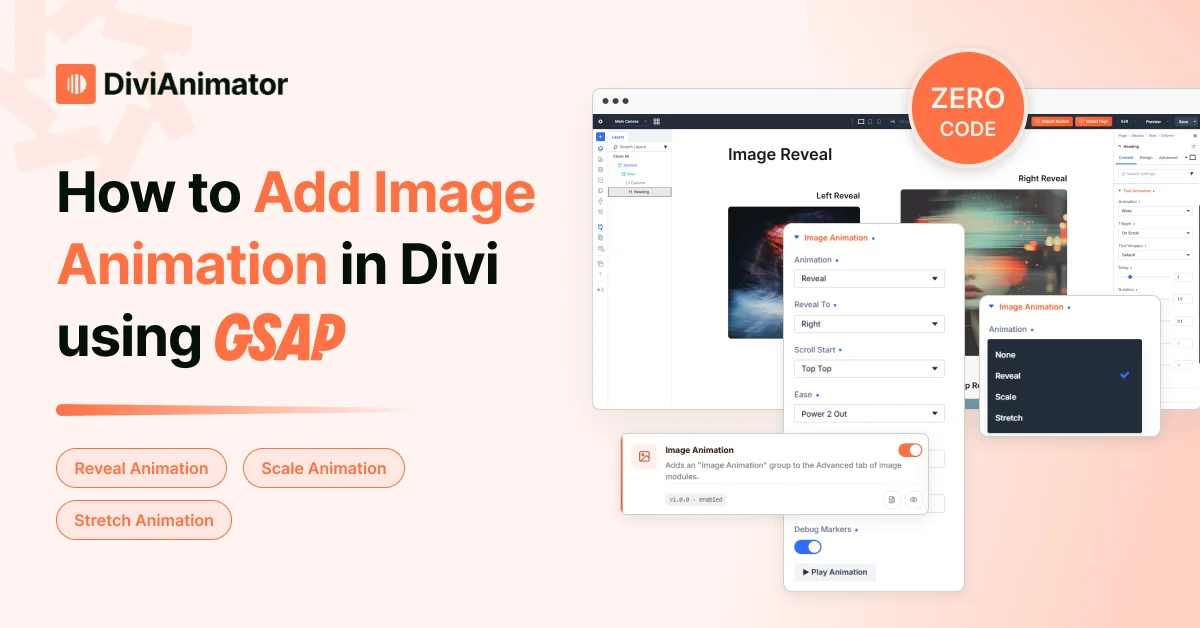
Image Animation — Reveal, scale, or mask images as they enter view to steer attention and add depth. Ideal for portfolios, product pages, and case studies. Keep it short and quick — a restrained reveal reads as craft, a long slide reads as a carousel.
Advanced Animation — The open canvas: apply custom GSAP motion to any module and shape movement, rotation, scale, opacity, easing, and trigger point yourself. Designers use it for signature moments; developers use it to stop re-coding the same effect on every build.
Cursor Move Effect — A custom cursor and pointer-driven interactions that give a site a distinct, tactile feel the moment someone arrives. Creative studios, agencies, and portfolios get the most from it. Used everywhere it distracts, so save it for sites where personality is the point.
Tilt Effect — A subtle 3D tilt that tracks the pointer, so cards and images answer to hover with physical depth. Fits feature cards, product images, and thumbnails. Subtlety decides everything here. A gentle tilt feels premium; crank it up and it feels like a trick.
Image Reveal on Hover — Show a preview image when a visitor hovers a link or line of text, keeping a layout clean while surfacing the visual on intent. A portfolio and agency-index favorite; the cleaner the list, the harder the reveal lands.
Horizontal Scroll — Turn a section sideways so content moves horizontally as the visitor scrolls down, presenting a set of items as a deliberate sequence. Natural for portfolios, product stories, timelines, and case studies. One well-placed stretch per page is plenty.
Sticky Elements — Pin an element or section while surrounding content scrolls, so key information stays on screen when it's useful. The backbone of scroll storytelling — product tours, process explainers, side-by-side reveals. One strong pinned moment can carry a page.
Built for speed
Smooth animation comes down to which properties move and how much loads. Running on GSAP, DiviAnimator favors transform and opacity — the GPU-rendered properties, so motion holds a steady frame rate through a scroll instead of stuttering, and it loads only the scripts a page actually uses. Keep a lid on how many elements animate at once, simplify heavier effects on mobile, and Divi 5's cleaner, React-based structure gives all of it a lighter base to run on.
Who DiviAnimator is for
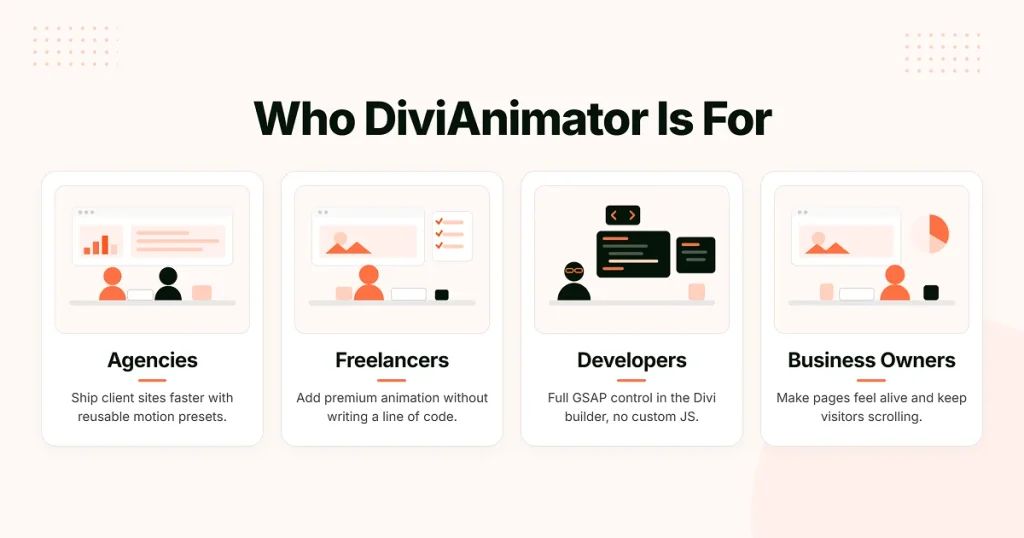
DiviAnimator fits anyone shipping Divi sites, but it earns its place a little differently depending on who's using it.
Agencies
Add motion across client work without booking a developer for every effect, so quality stays consistent as project volume climbs. The same controls and presets carry from one build to the next, which keeps animation on-brand and on-budget across a full roster of sites.
Freelancers
Deliver the polished, animated sites clients ask for without spending the budget on custom GSAP development. You get agency-grade motion on landing pages, portfolios, and marketing sites while keeping the whole project in your own hands.
Developers
Skip rebuilding the same timelines, triggers, and easing on every project. Apply GSAP motion visually, and save custom code for the cases that genuinely need it. When a build does call for something bespoke, Advanced Animation hands you full manual control without leaving Divi.
Business owners
Update and animate your own pages without a developer on call, so a product launch or a new landing page doesn't wait on someone else's calendar. Well-placed motion guides visitors toward the offer and the call to action — the part of the page that actually earns.
Why designers choose DiviAnimator
Set the feature talk aside and it's simple. DiviAnimator cuts the developer handoff — the effects that once needed a JavaScript detour are now visual settings, so the person with the idea ships it. You stay inside Divi with a live preview instead of the save-refresh-scroll loop, and because it runs on GSAP and loads assets deliberately, you're not trading speed for motion. Mostly, it just matches how designers already think: you have an instinct for how a section should move, and there's a control that meets it.
What's coming next
DiviAnimator is live, but the current list is a starting point. We're actively developing new extensions and deeper controls, guided by what people reach for most: more ways to sequence effects, more scroll-driven interactions. No dated roadmap we can't stand behind; just ongoing updates and a toolkit that keeps growing, without you switching to something else for the next effect.
Final thoughts
Good animation does a job. It paces a page, steers the eye, and makes a site feel considered before anyone reads a word. On Divi that's been rare, mostly because getting it meant dropping into code. DiviAnimator takes out that step, so your effort goes where it matters: deciding what should move, and why. If motion's the thing you keep wanting and keep cutting, look through the extensions and try one on a live section.
Frequently asked questions
What is DiviAnimator?
A premium, GSAP-powered animation plugin for Divi that adds professional motion to any layout without code, covering text, image, hover, scroll, and sticky effects.
Is DiviAnimator compatible with Divi 5?
Yes — DiviAnimator is made specifically for Divi 5 and its cleaner, React-based architecture, which is what keeps animations predictable and light. It doesn't support Divi 4; if you're still on Divi 4, upgrade on a staging site first, then add DiviAnimator.
Why does DiviAnimator use GSAP?
GSAP handles timelines, scroll triggers, and easing far better than CSS, and defaults to GPU-friendly properties, so motion stays smooth and precise even with many elements animating at once.
Do I need coding knowledge to use DiviAnimator?
No. Every effect is applied and tuned through visual controls inside Divi. No JavaScript, no snippets.
Does DiviAnimator slow down my website?
Not when used sensibly. It runs on GSAP's GPU-friendly properties and loads only what a page uses. A few placed effects are negligible; animating dozens on one screen adds weight.
Can I animate any Divi module?
Yes. The Advanced Animation extension applies GSAP motion (movement, scale, rotation, opacity, easing) to any Divi module.
How is it different from Divi's built-in animation?
Divi's native effects are basic entrance fades. DiviAnimator adds scroll-linked motion, text, hover, cursor, and tilt effects, horizontal scroll, and sticky sequences, with real control over triggers and timing. You can use both.
Is DiviAnimator mobile responsive?
Yes. Responsive controls let you tune or simplify effects per breakpoint, so what works on desktop stays clean on mobile.
Will more extensions be added?
Yes. It's in active development, with new extensions and controls underway — guided by what designers reach for most.
Who is DiviAnimator for?
Freelancers, agencies, WordPress designers, developers, and creative professionals building landing pages, portfolios, SaaS, product, and agency sites on Divi.


0 Comments