
Every Divi animation plugin wraps GSAP in visual controls, so the real question isn't whether to use GSAP. It's how much system you want between you and the effect. This guide compares the leading Divi 5 options, DiviAnimator, DiviMotion, Divi Animation, and DiviTitan Motion, plus where plain CSS still holds up.
Quick answer: The best Divi animation plugins add GSAP-powered motion through visual controls instead of code.
- DiviAnimator covers the widest range in one plugin: 14+ extensions plus content modules, still no-code.
- DiviMotion and Divi Animation build broad systems around niche effects and presets.
- DiviTitan Motion goes deepest on field-level targeting and page transitions.
Why GSAP is the standard
GSAP handles motion CSS can't: scroll-linked timing, pinned elements, and text split into characters or words for staggered reveals.
- ScrollTrigger ties animation to scroll position, powering reveals, parallax, and pinned sections.
- SplitText breaks a heading into characters, words, or lines so each piece animates on its own.
Hand-coding GSAP means enqueuing scripts and maintaining selectors that break on layout changes. Every plugin here exists to close that gap.
What to look for
- No-code depth: how much runs visually, and whether pinning or split text still needs custom code.
- Effect coverage: scroll reveals, text and image animation, hover and cursor effects, pinning.
- Learning curve: quick presets versus deep timelines and field-level targeting.
- Performance: loads only what a page uses, without hurting Core Web Vitals.
- Divi 5 fit: built natively for Divi 5's React-based structure, not retrofitted.
- Support: an active changelog as Divi and GSAP evolve.
The best GSAP animation plugins for Divi
DiviAnimator
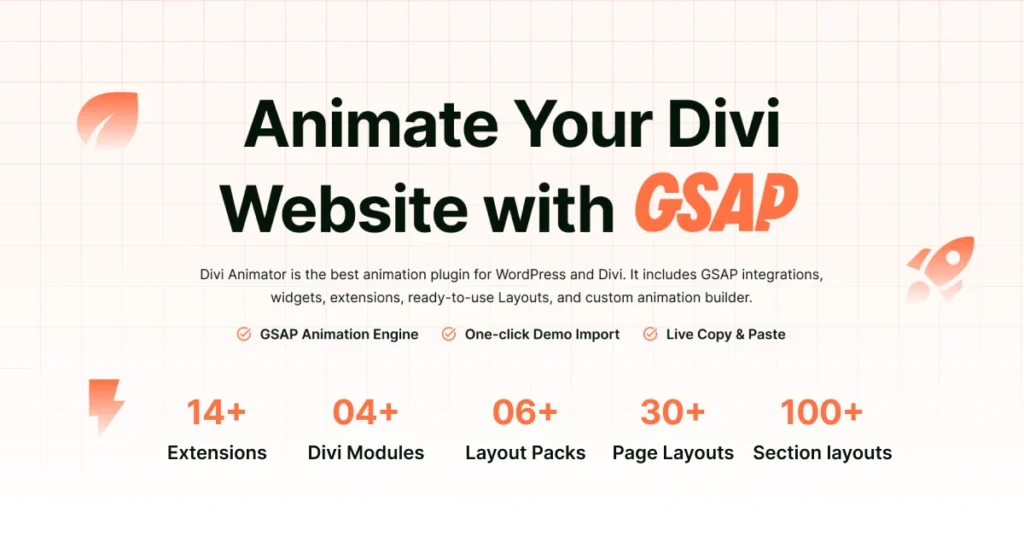
Built exclusively for Divi 5.
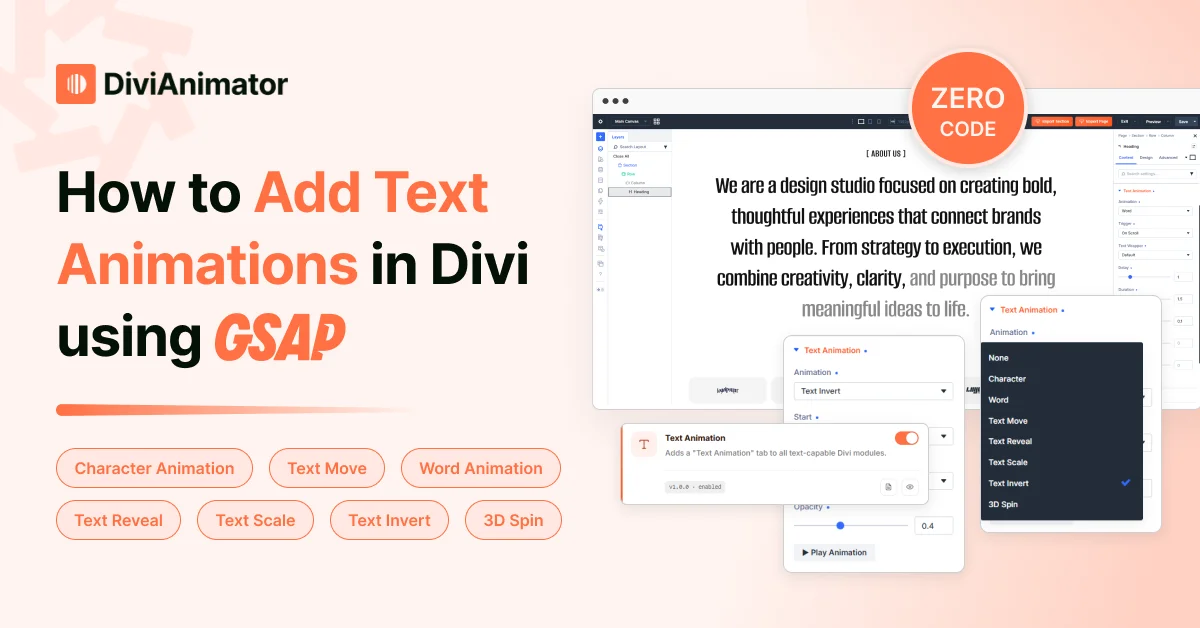
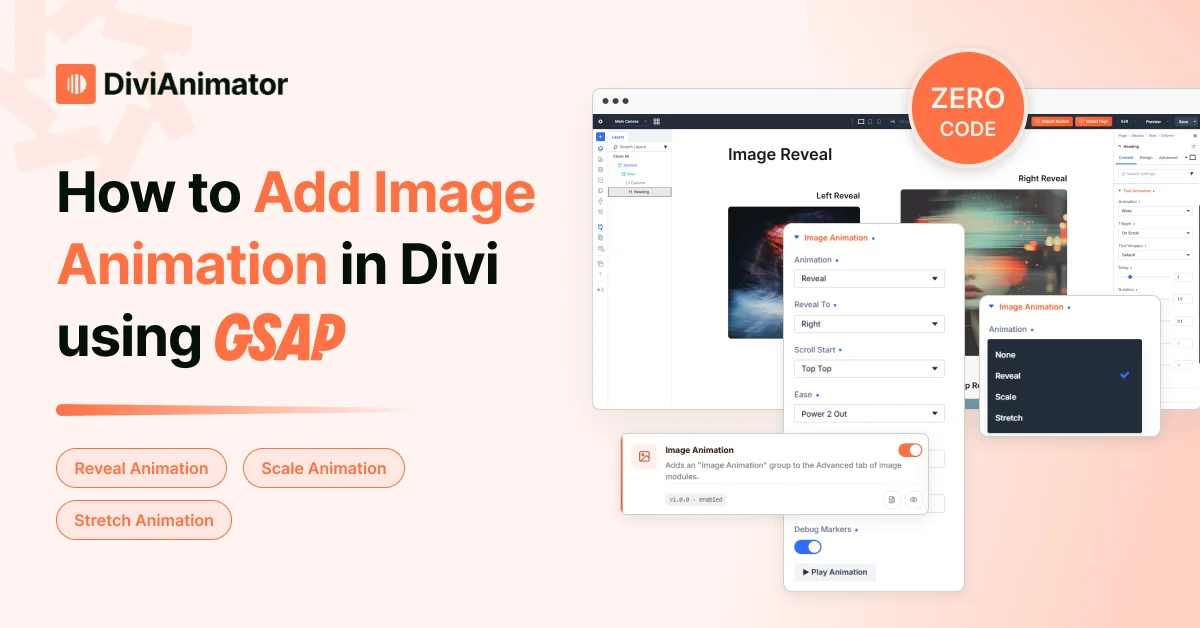
- 13+ extensions: Scroll Smoother, Text Animation, Image Animation, Video Animation, Advanced Animation, Cursor Move, Cursor Follower, Cursor Trail, Image Reveal on Hover, Tilt Effect, Horizontal Scroll, Sticky Element, Draw SVG
- 4+ modules: Advanced Heading, Floating Elements, Circular Animation, Marquee
- Site-workflow tools: one-click demo import, cross-domain live copy and paste
- All visual, live preview, no JavaScript
The widest single-plugin range here, plus workflow tools none of the other three advertise, without a heavier learning curve.
DiviMotion
Structured around interactions: trigger (scroll, click, hover, load) → action (fade, move, scale, rotate, sequence) → properties. One panel manages every animation and can target siblings and parents, not just the triggering element.
- Niche named extensions: particle text, gravity box, elastic cards, card stack and deck
- Strong fit for expressive, less common motion built in
Divi Animation
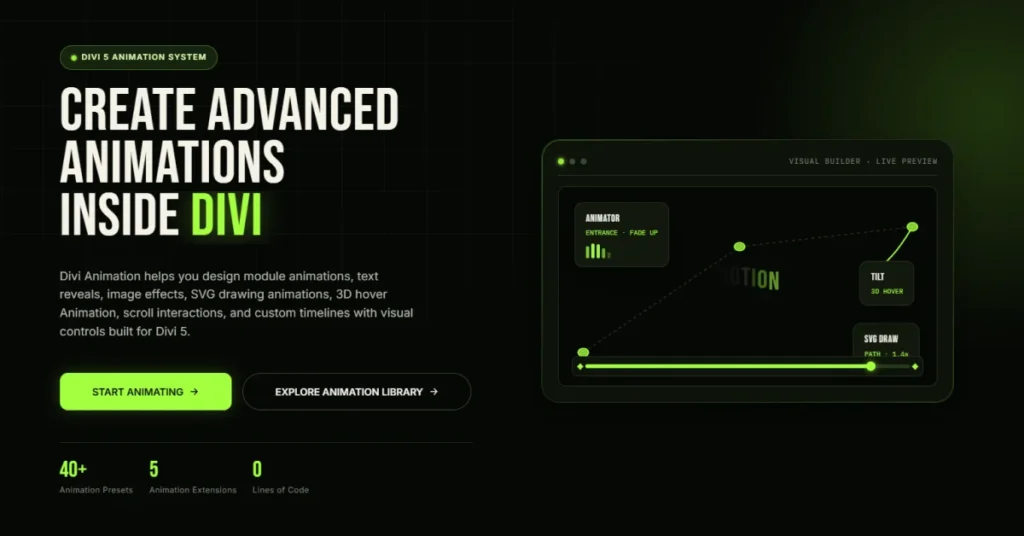
Seven extensions from the DiviNext team: Animator, Text Flow, Image Flow, SVG Draw, Tilt Effect, Timeline, Triggers, plus live preview.
- 40+ entrance presets, Lottie support, animation paths, AI animation generator
- Breadth comes with a real learning curve
DiviTitan Motion
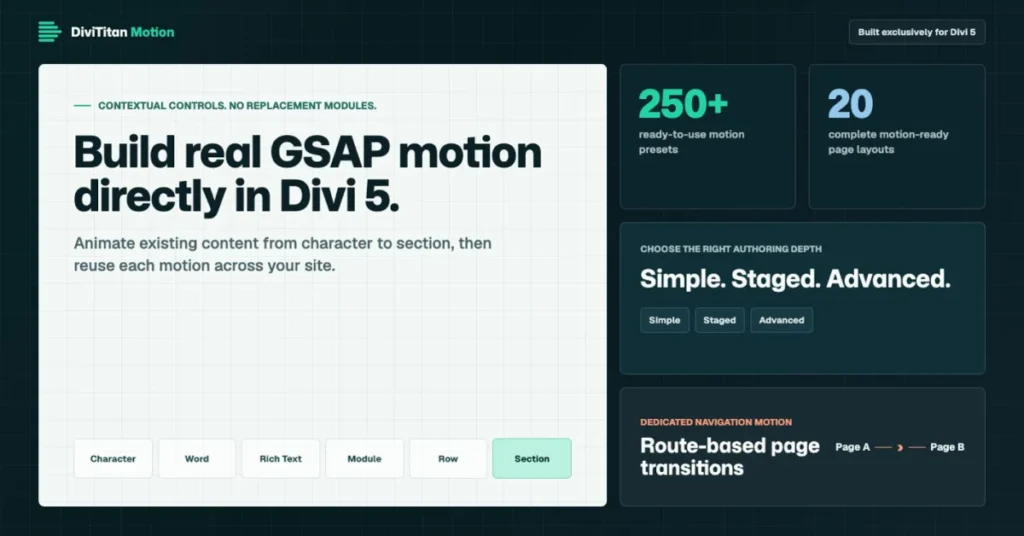
Applies motion contextually inside the layer you're editing, down to headings and paragraphs within a Rich Text field.
- Simple Motion (single tween) or Advanced Timeline (up to 10 steps)
- 7 trigger types, including scroll scrub, pin, and pointer movement
- Only one here with a separate page-transition system
Plain CSS or Divi's native animation
Free, and enough for basic fades and hover states. Falls short on anything scroll-linked, split text, pinning, or sequenced, exactly the territory GSAP plugins cover.
Comparison
| DiviAnimator | DiviMotion | Divi Animation | DiviTitan Motion | |
| Approach | Broad extension set | Trigger → action → properties | Extension + preset library | Field-level targeting |
| Extensions | 13+ | 12 named + core system | 7 + live preview | Preset + timeline system |
| Dynamic modules | 4+ | Not advertised | Not advertised | Not advertised |
| Split text | Yes (7 types) | Yes | Yes (Text Flow) | Yes (heading-level) |
| Scroll pinning | Yes | Yes | Via triggers | Yes (scrub/pin/snap) |
| SVG drawing | Yes | No | Yes | No |
| Cursor effects | Yes (Move, Follower, Trail) | Via hover triggers | No | Via pointer trigger |
| Demo import / cross-site copy | Yes | Not advertised | Not advertised | Not advertised |
| AI generation | No | No | Yes | Coming |
| Page transitions | No | No | No | Yes |
| Learning curve | Low | Medium | Medium–high | Medium–high |
| Divi 5 required | Yes | Yes | Yes | Yes |
Which is right for you?
- Broadest single plugin: DiviAnimator, widest effect and module range plus site-level tools, still visual and quick to learn.
- Interaction- or preset-driven system: DiviMotion or Divi Animation, worth the longer curve if you lean on niche effects or AI generation regularly.
- Field-level system: DiviTitan Motion, paragraph- and heading-level motion plus page transitions, for content-heavy, multi-page sites.
Use cases
- Agency shipping several sites a month: reveals, split-text hero, reusing sections across clients. Demo import and cross-domain copy paste cover the workflow too.
- Animation-led product launch: particle text, elastic cards, expressive centerpieces. A niche-effect library earns its complexity.
- Content-heavy, multi-page site: paragraph- and heading-level motion with page-to-page transitions. Field-level, transition-aware tools fit here specifically.
- Freelancer polishing standard client sites: reveals, cursor effects, an SVG draw-in, all from one visual plugin.
Benefits of a no-code GSAP plugin
- Ship faster: a reveal or split text in clicks, not a coding session.
- Remove maintenance risk: no hand-written script to break on a layout change.
- Open animation to non-developers: a designer adds motion without a developer's time.
- Take on more animated work: practical without a specialist on the team.
Common mistakes
- Picking a system bigger than your workload. A deep timeline tool is wasted on scroll reveals alone.
- Running more than one animation plugin. Conflicts and unnecessary weight.
- Over-animating because it's easy. Guide attention, don't decorate every section.
- Ignoring performance. Stacking heavy effects on one page shows up in load time.
- Skipping reduced-motion support. Confirm your plugin respects it.
- Testing only in the builder. Check the published page and mobile before calling it done.
How DiviAnimator fits
One plugin covering most of what a Divi project needs, animation plus a few site-building conveniences.
- 13+ extensions cover reveals, split text, cursor effects, SVG drawing, and GSAP pinning
- 4+ modules add content pieces beyond animation
- Demo import and cross-domain copy paste make it easier to reuse sections across projects
Select an element, choose the effect, tune it live, no separate cursor, SVG, or content-module plugin needed. If your work specifically needs AI-generated presets or page transitions, one of the other three may still be worth adding alongside it.
Final thoughts
Every plugin here shares the same goal: GSAP motion without writing JavaScript. DiviAnimator covers the widest single-plugin range. DiviMotion and Divi Animation build broad systems around niche effects and presets. DiviTitan Motion goes deepest on field-level targeting and transitions. Match the pick to what you build, not to which list is longest.
FAQ
What are the best GSAP animation plugins for Divi?
DiviAnimator (broadest single plugin, 13+ extensions plus modules and workflow tools), DiviMotion (interaction-based with niche extensions), Divi Animation (broader preset and AI-assisted system), and DiviTitan Motion (field-level targeting with page transitions).
Can I animate Divi without writing code?
Yes. Every plugin here applies GSAP motion through visual controls, no JavaScript required.
What's the difference between GSAP and Divi's built-in animation?
Divi's native animation covers basic entrance effects. GSAP adds scroll-linked timing, pinning, and split text, the range a plugin gives you without hand-coding it.
Do these plugins work with Divi 4?
No. All four are built specifically for Divi 5's architecture.
Should I choose a single broad plugin or a specialist system?
A broad, visual plugin like DiviAnimator covers most animation, cursor, and content-module needs in one place. A specialist system is worth adding on top for AI-generated presets or page transitions specifically.
Will an animation plugin slow down my Divi site?
Not if it's built for performance. Slowdowns usually come from stacking too many effects or running more than one plugin at once.


0 Comments