Divi Marquee Module
Create smooth, continuous scrolling content in Divi with the GSAP-powered Marquee module.
[ Showcase Content in Motion ]
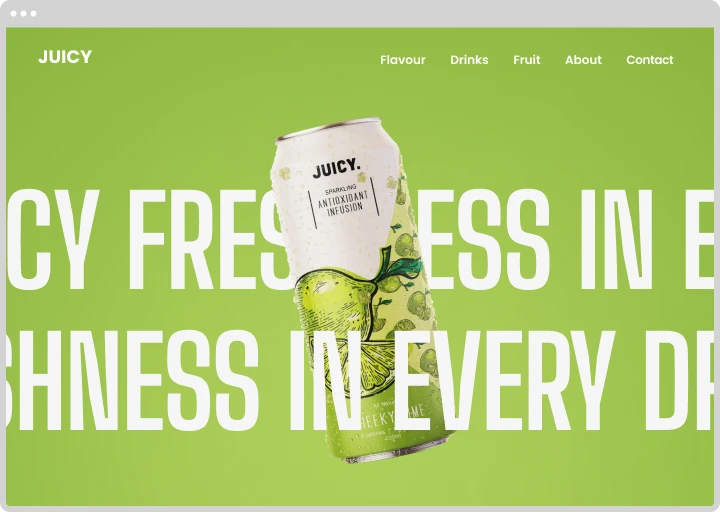
Create Marquee Animations
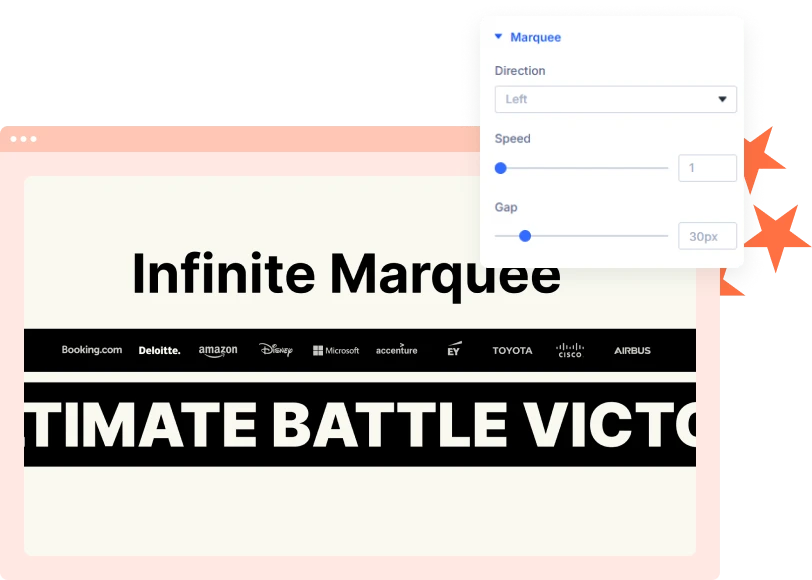
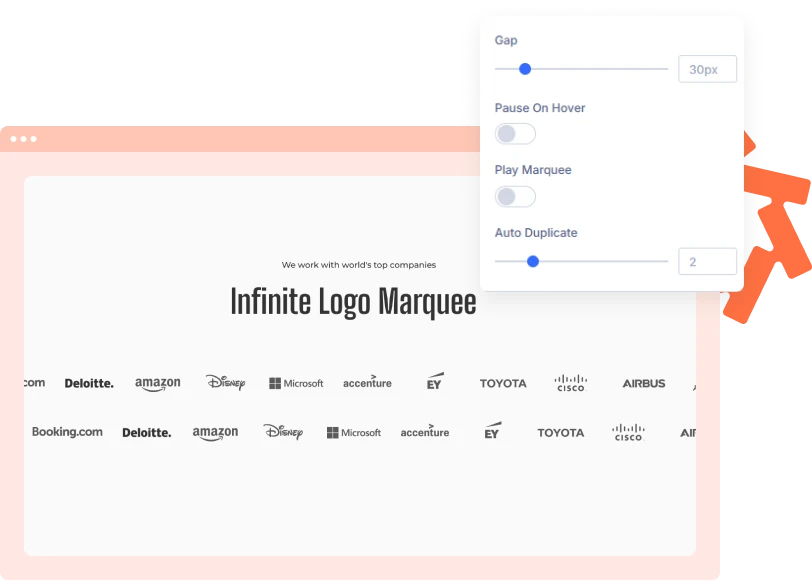
Display logos, images, text, and other content in a continuous scrolling loop. Choose the direction, adjust the speed, and control the spacing to match your design.
[ Flexible Content Options ]
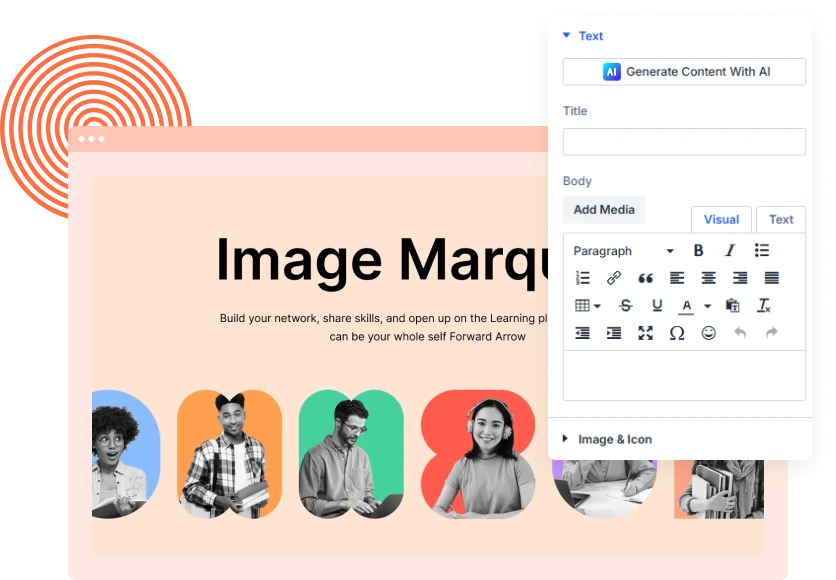
Add Text, Images, Icons & Links
Build each marquee item with your own content to create custom scrolling displays.
[Control Every Detail ]
Customize Your Marquee Design
Adjust item width, height, spacing, backgrounds, borders, and shadows. Style individual items and the overall module to fit your Divi website.
[faq]
Frequently Asked Question
Still have questions? Get in touch with our team via “support@diviexpand.com”
What is the Marquee module in Divi?
It displays text, images, logos, icons, and other content in a continuous scrolling loop.
Can I control the scrolling direction and speed?
Yes. Choose the scrolling direction and adjust the speed to control how quickly items move.
Can I add images and icons to a marquee?
Yes. Each marquee item supports text, images, icons, backgrounds, and clickable links.
Can I pause the marquee on hover?
Yes. Enable Pause On Hover to stop the scrolling while visitors hover over the marquee. This feature applies to pointer-based hover interactions.
Can I customize the spacing between items?
Yes. Adjust the Gap setting to control the distance between marquee items.
What is Auto Duplicate?
Auto Duplicate repeats the item set to fill the scrolling row and helps maintain a continuous loop.
Can I use ready-made marquee templates?
Yes. Use Apply Structure Template to add a ready-made set of marquee items, then customize each item.
Do I need custom code to use Marquee?
No. Add and configure the Marquee module directly through the Divi Builder.
[ Extensions ]
Related Extensions
Divi Layout Pack with built-in animations and modern effects.
Text Animation
Create captivating text effects that grab attention and improve engagement.

Image Reveal on Hover
Create captivating text effects that grab attention and improve engagement.

Advanced Animation
Create captivating text effects that grab attention and improve engagement.
Everything You Need to Animate Divi
One plugin. Powerful extensions. Endless creative possibilities. Start building immersive Divi websites with smooth, high-performance animations powered by GSAP.