Divi Circular Animation
Arrange text and images around a central element, add scroll and mouse interactions, and apply 3D perspective effects to build engaging visual experiences.
[ Control How Elements Fall ]
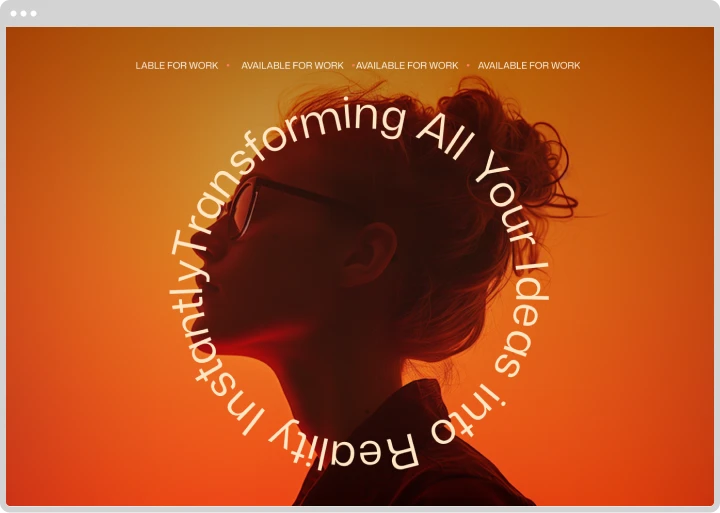
Create Custom Circular Designs
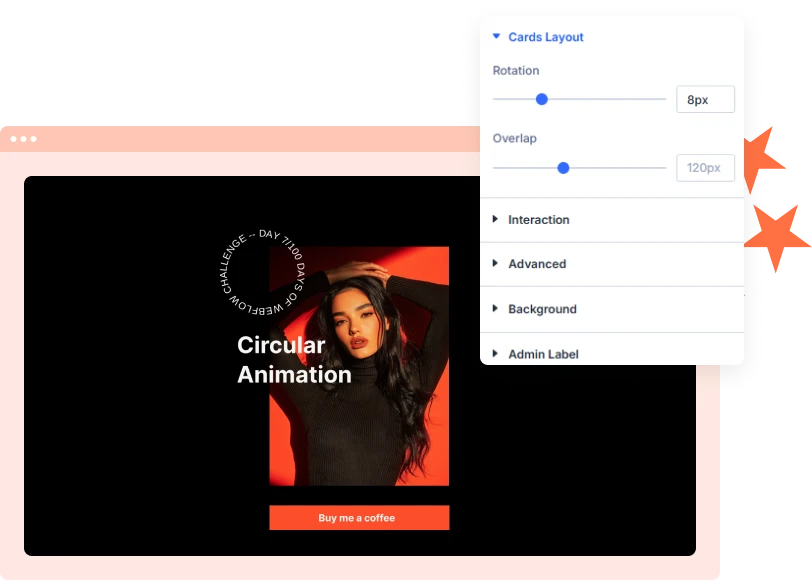
Build circular layouts with text or images arranged around a central element. Control the number of items, circle radius, starting angle, and item rotation to create different layouts
[ Engaging Hover Effects ]
Scroll-Driven Circle Rotation
Connect circular movement to page scrolling. As visitors scroll, the circle rotates to create a dynamic visual experience.
[ 3D Perspective Effects ]
Create Interactive 3D Circles
Give circular designs a sense of depth with 3D perspective controls. Adjust perspective depth and X, Y, and Z rotation to create layered visual effects.
[faq]
Frequently Asked Question
Still have questions? Get in touch with our team via “support@diviexpand.com”
What is the Divi Circular Animation module?
It arranges text and images in a circular layout with entrance animations, scroll effects, mouse interactions, and 3D perspective controls.
Can I add images and text around a circle?
Yes. You can arrange circular items and add text, images, or other content to the center.
Can the circle rotate while scrolling?
Yes. Enable Scroll Effect to rotate the circle based on the visitor's page scrolling.
Does Circular Animation support mouse interactions?
Yes. Enable Mouse Effect to make the circle respond to cursor movement.
Can I create 3D circular animations?
Yes. Enable 3D perspective and customize depth and X, Y, and Z rotation.
Can I add hover effects to circular items?
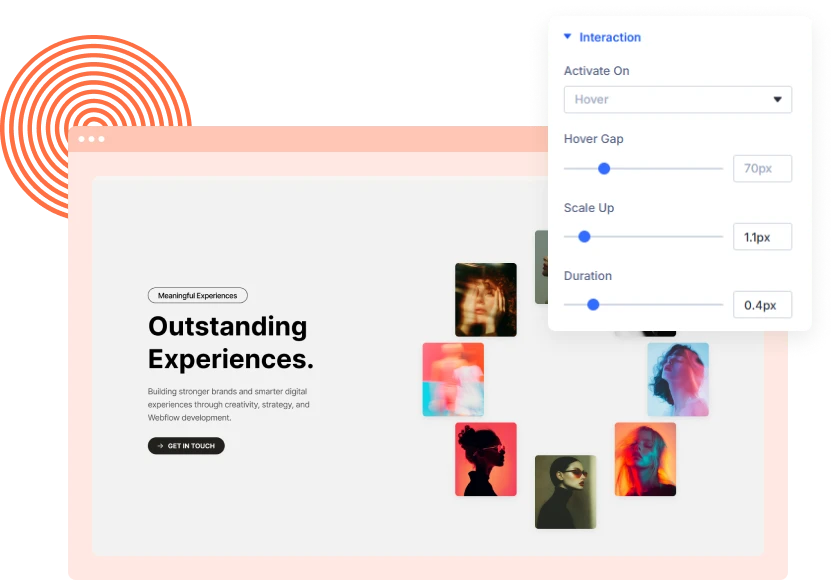
Yes. Choose Scale, Rotate, or Color Change effects and customize hover speed and scale.
Can I customize the circular layout?
Yes. Adjust the number of items, radius, starting angle, item rotation, spacing, sizing, and visual styling.
Can I control the animation trigger?
Yes. Set entrance animations to trigger on page load, when the module enters the viewport, or when visitors click the module.
[ Extensions ]
Related Extensions
Divi Layout Pack with built-in animations and modern effects.
Text Animation
Create captivating text effects that grab attention and improve engagement.

Image Reveal on Hover
Create captivating text effects that grab attention and improve engagement.

Advanced Animation
Create captivating text effects that grab attention and improve engagement.
Everything You Need to Animate Divi
One plugin. Powerful extensions. Endless creative possibilities. Start building immersive Divi websites with smooth, high-performance animations powered by GSAP.